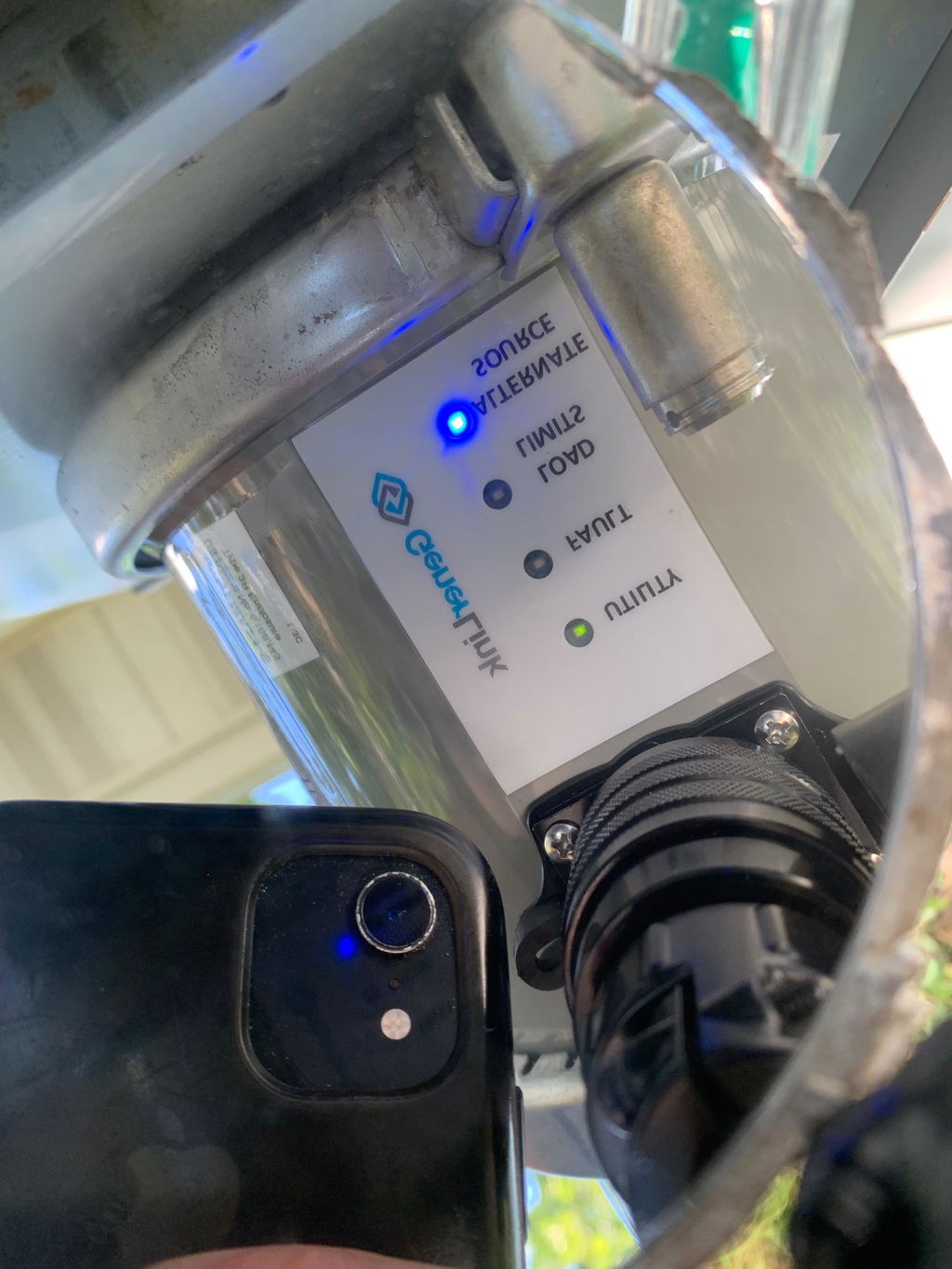


- How Does Generlink Work?
- Is the Generlink Approved?
- How Much Does Generlink Cost?
- Does Generlink Backfeed?
- Will Generlink Work with Solar?
- What Can Generlink Power?
- What Happens When Power Returns?
Connect Your Portable Generator to Your Home with GenerLink™
Keep essential household appliances powered during an outage with the GenerLink™ automatic meter-mounted transfer switch. Designed to connect a compatible portable generator to your home's electrical panel through the electric meter, GenerLink provides a convenient alternative to conventional transfer switch installations.
With 30A and 40A configurations available, you can choose a model based on your generator's output, electrical requirements, and backup-power needs. An included 20-foot GenerLok power cable connects your compatible generator to the unit.
Before ordering: Check your generator's compatibility and confirm your utility provider's installation requirements.
Shop GenerLink Transfer Switches
Why Choose a GenerLink Transfer Switch?
- Meter-mounted design: Connects a compatible portable generator to your home's electrical system through the meter.
- Convenient backup power: Use your home's existing breaker panel to select which circuits and appliances to operate, within your generator's available capacity.
- Built-in backfeed protection: Designed to prevent generator power from feeding back into the utility line when correctly installed and operated.
- No dedicated subpanel required: The meter-mounted design avoids the need for a separate generator subpanel in a compatible installation.
- Optional surge protection: Select an available configuration with surge protection if needed.
-
GenerLok power cable included: Comes with a 20-foot cable designed for use with GenerLink.
Choose the Right GenerLink Model
The right configuration depends on your generator's output, connector, and the electrical loads you want to operate during an outage.
GenerLink 30A
The 30A model supports up to 7,200 watts and includes a 20-foot GenerLok power cable with an L14-30 locking connector. Choose this configuration if it matches your generator's outlet and your backup-power requirements.
GenerLink 40A
The 40A model supports up to 9,600 watts and includes a 20-foot GenerLok power cable with a 14-50 straight-blade connector. The connector type does not increase the unit's 40A rating.
Compare the configurations
|
Feature |
GenerLink 30A |
GenerLink 40A |
|
Maximum rated input |
30A |
40A |
|
Maximum power |
7,200W |
9,600W |
|
Included cable |
20-foot GenerLok |
20-foot GenerLok |
|
Generator connector |
L14-30 locking |
14-50 straight-blade |
|
Surge protection |
Depends on selected configuration |
Depends on selected configuration |
Confirm the exact options available on this product page before ordering. Generator output, startup demands, and simultaneous appliance use all affect how much equipment you can operate.
Is GenerLink Compatible with Your Generator?
GenerLink is not compatible with every portable generator. Before purchasing, verify that your generator meets the requirements for the selected model, including its voltage, outlet configuration, and electrical output.
Also confirm that your home's electrical service and meter setup are compatible. GenerLink is designed for compatible single-phase residential electrical systems with service ratings up to 200A.
Review the GenerLink installation and operation guides or contact Hutch Mountain if you need help checking your setup.
Installation Requirements
GenerLink is installed at the electric meter and must be installed by the utility company or a qualified, licensed electrician, as permitted by local requirements and your utility provider.
Before ordering:
-
Contact your utility provider to confirm whether it approves a meter-mounted GenerLink installation.
-
Verify that your meter, electrical service, and generator meet the manufacturer's requirements.
-
Arrange installation through an authorized utility provider or qualified electrician.
-
Follow the manufacturer's operating instructions when connecting and using your generator.
Installation requirements and costs vary by utility provider and location. Do not attempt to install the unit yourself.
For additional information, visit the GenerLink Installation Guide or the Hutch Mountain Support Hub.
Need Help Choosing a GenerLink Model?
Not sure which configuration is right for your generator and home? Contact the Hutch Mountain team for assistance with model selection and compatibility questions.
-
Phone: 435-494-1975
-
Support: Visit the Hutch Mountain Support Hub
-
Installation information: Read the GenerLink Installation Guide
Review your generator specifications and utility requirements before ordering to help ensure you select the appropriate GenerLink configuration.